


One Tap Backup
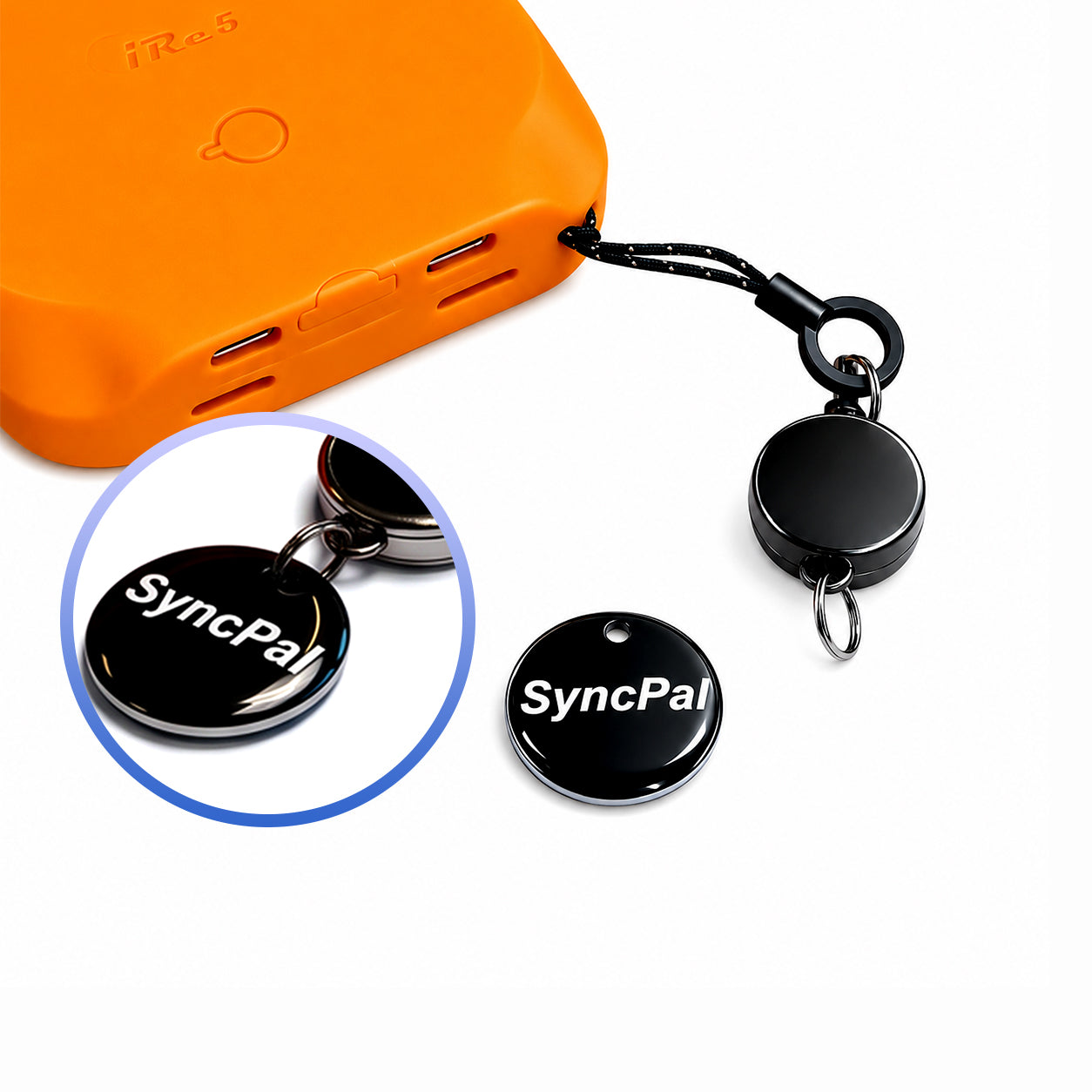
SyncPal

SyncPal
Up to 2TB
iOS | Android | PC
Backup
SyncPal transforms backup from a complicated task into a simple one-step workflow.
With a smart NFC Backup Key and SyncPal App, instantly save your photos, videos, and important files across iPhone and Android.
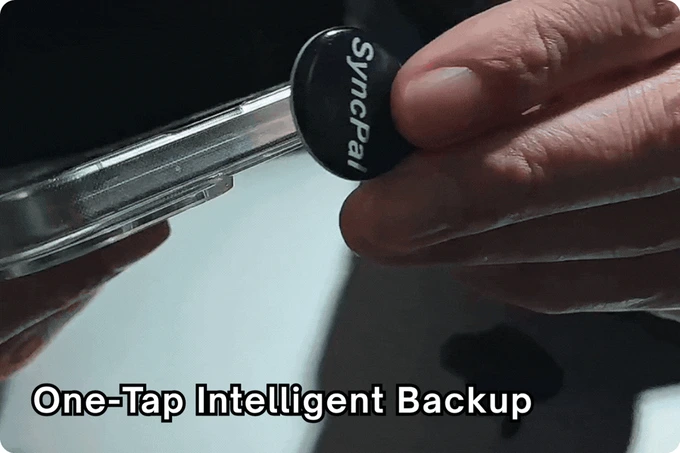
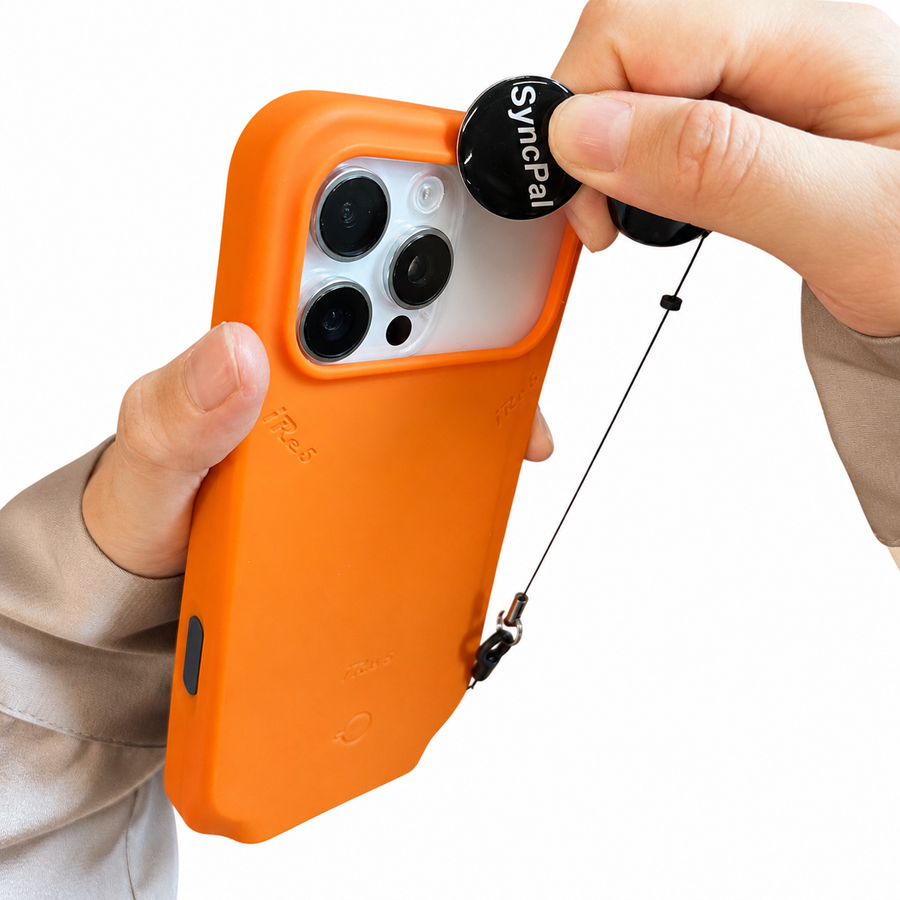
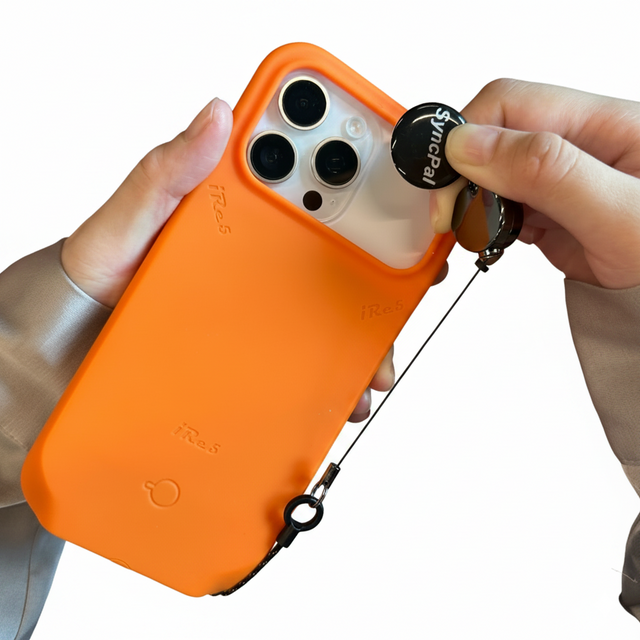
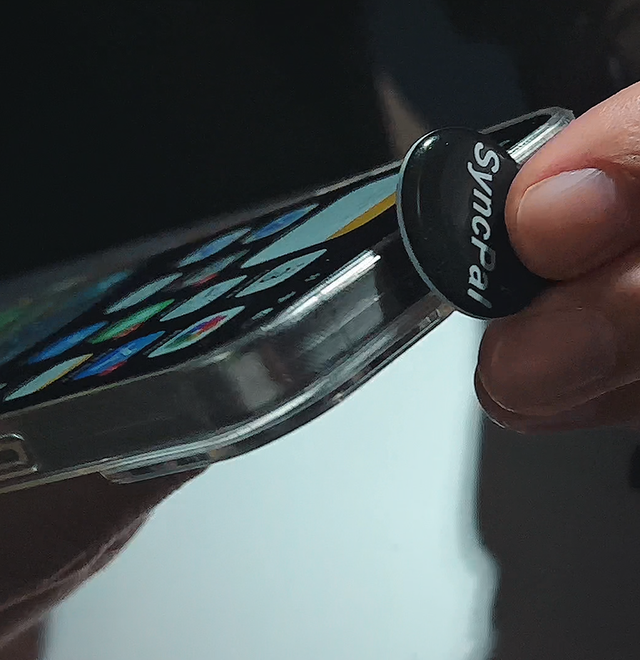
Bring your phone close to the SyncPal Key. NFC technology instantly launches your backup workflow.
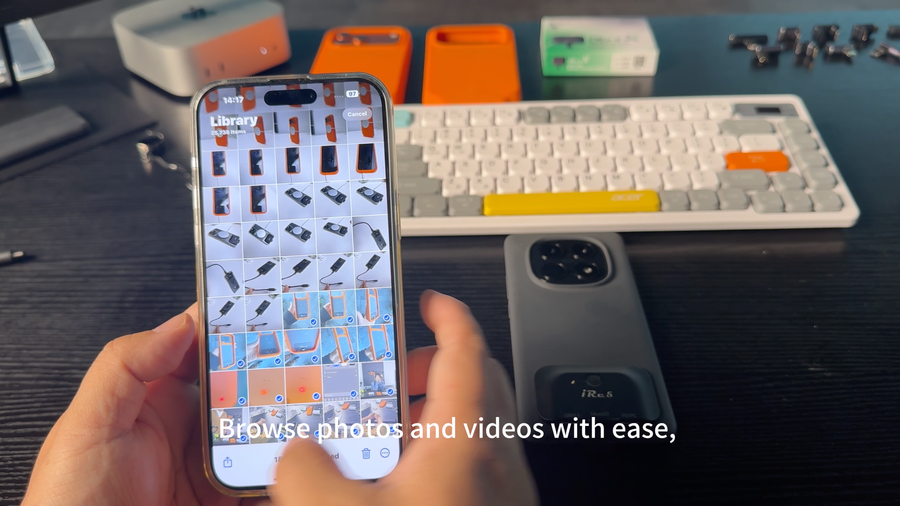
Select: Photos /Videos /Documents /Camera Files
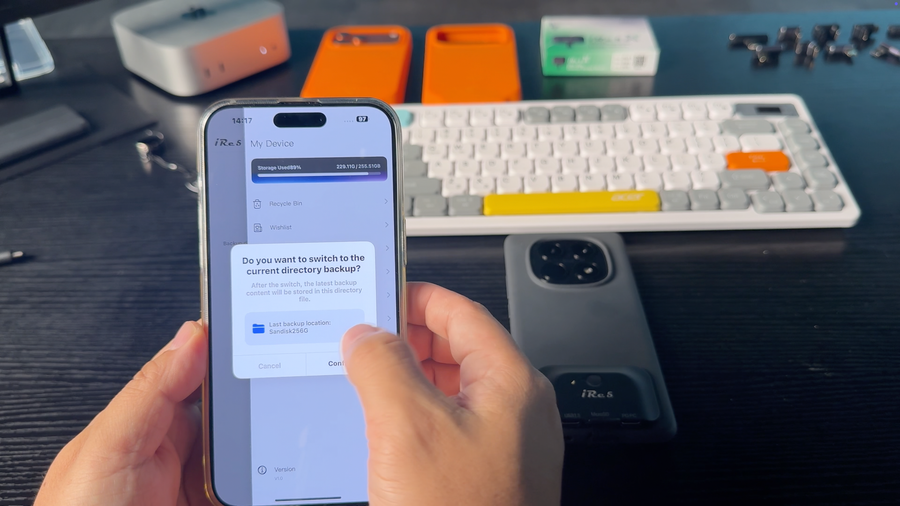
Backup to: iRe5 X Module /iRe5 Storage Case /MicroSD Card /SSD /External Storage
Why SyncPal
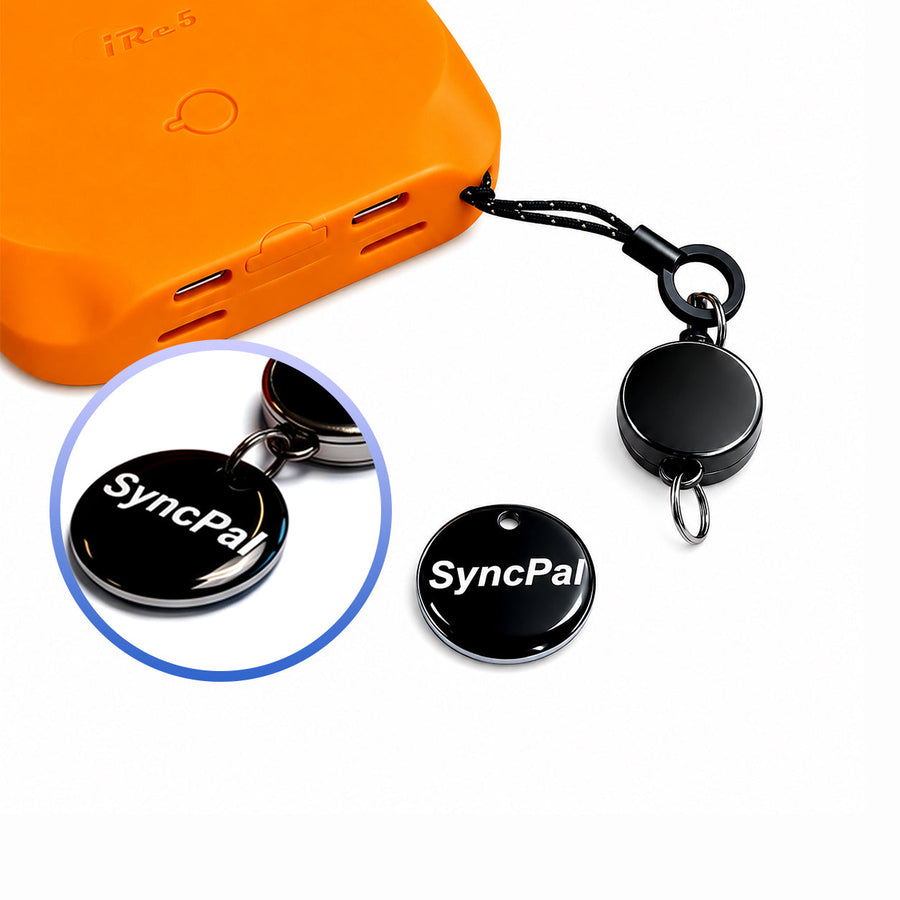
Backup Without Complicated Steps
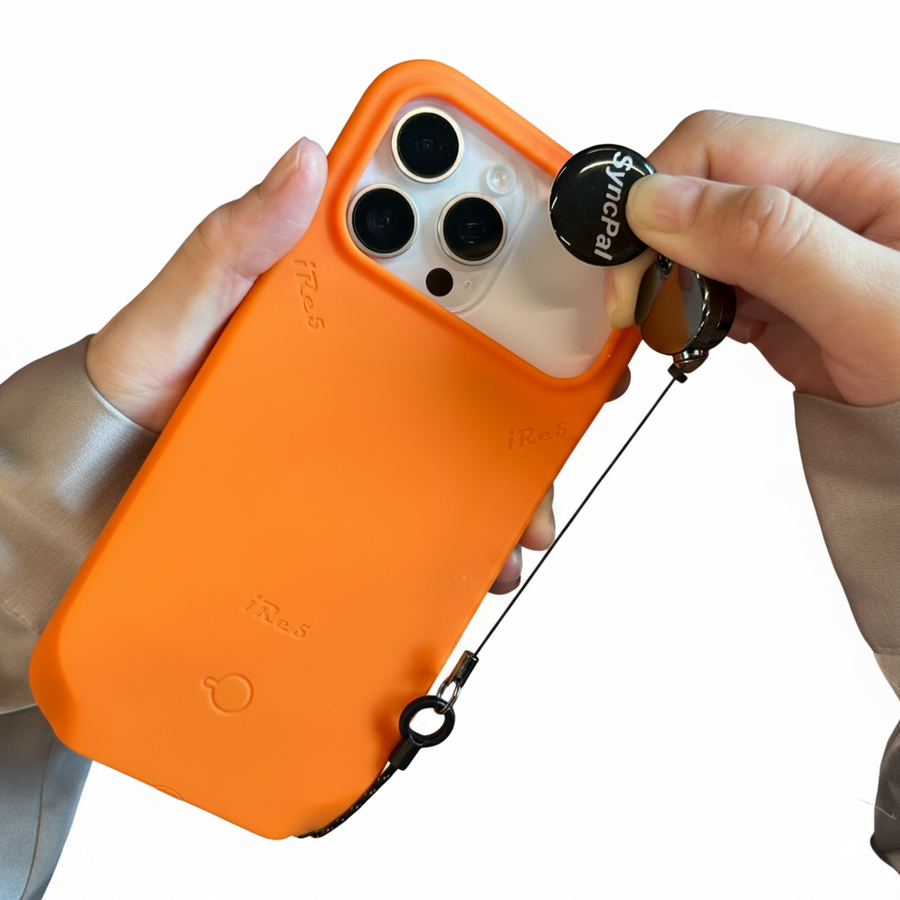
Works With iPhone & Android
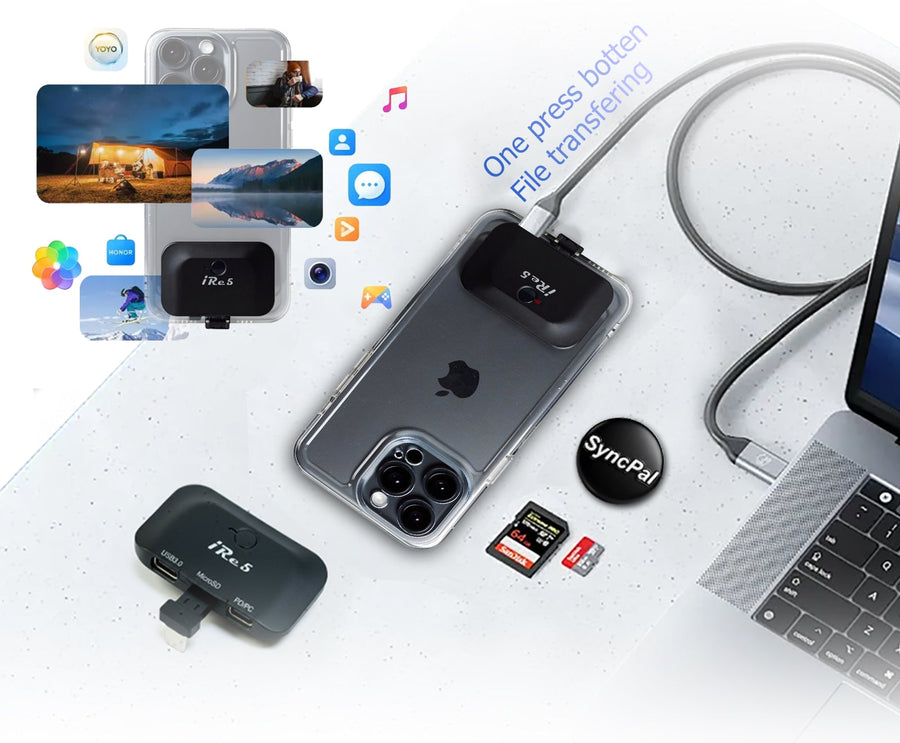
Capture More. Manage Less.
Your Files Stay Under Your Control

Creator Workflow


Works Better With iRe5 Ecosystem
Portable storage workflow : Phone → X Module → Backup
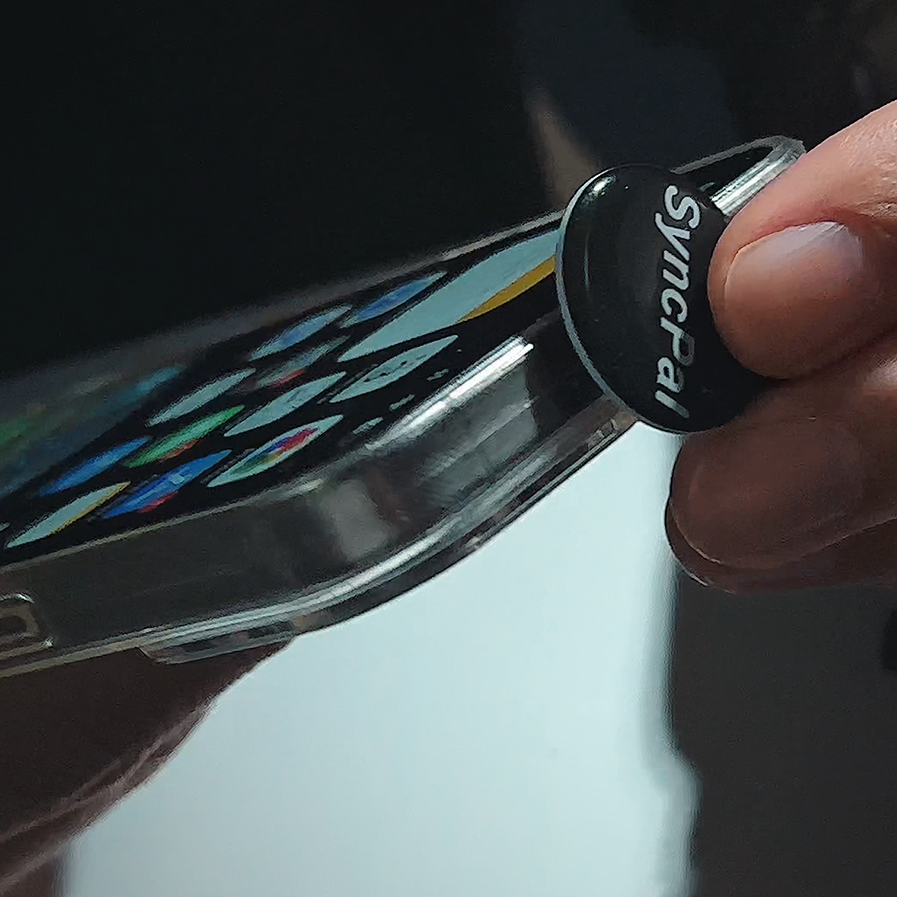
Integrated storage workflow : Phone Case → SyncPal → Storage

Mobile Devices: iPhone 、Android smartphones
Storage Devices: microSD cards 、SSDs 、USB drives
File Types: Photos、 Videos、 4K footage、 Documents
SyncPal Backup Key & App Bundle


SyncPal Backup Key & App Bundle is a hardware + software backup solution designed for fast, offline, and automatic media transfer from your smartphone to iRe5 storage devices.
No cloud. No manual file sorting. No complicated setup.
Just plug, tap, and backup.
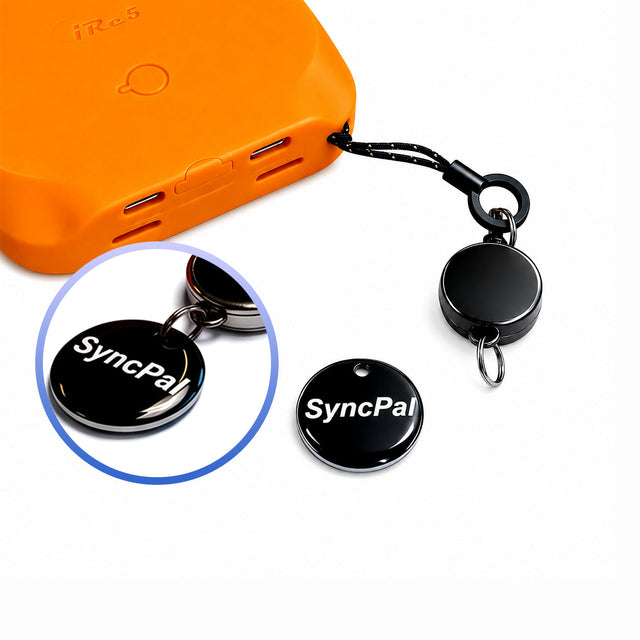
The SyncPal Backup Key is a compact physical backup trigger designed to simplify smartphone file transfer.
With one simple action, you can:
Instantly backup photos and videos from your phone
Transfer files directly to iRe5 storage (SD card / X Module / Storage Case)
Reduce manual file selection and cloud uploads
Enable fast “plug-and-backup” workflow for creators
It works as a physical shortcut for data backup, ideal for photography, video recording, and daily smartphone storage management.
The SyncPal App is the software layer that powers intelligent backup and file organization.
Key features include:
One-tap backup from smartphone to external storage
Automatic file sorting by time, project, or media type
Cross-device transfer (phone ↔ storage ↔ computer)
Optimized workflow for 4K video, ProRes, and large media files
Offline-first design with no cloud dependency required
Modern smartphones generate massive amounts of data:
4K / 60fps video recordings
ProRes and high-bitrate media files
Continuous photo and social content creation
But traditional solutions rely on:
Cloud storage limitations
Slow uploads
Monthly subscription costs
Manual file management
SyncPal is built to solve this by enabling:
Fast, offline, and hardware-accelerated backup workflow
No manual selection. No folder digging. Just instant backup.
Your files stay local. No internet dependency.
Automatically categorizes photos and videos for easy retrieval.
Designed for 4K video creators, filmmakers, and mobile professionals.
Move files between iPhone, Android, and iRe5 storage ecosystem.
SyncPal is ideal for:
Mobile filmmakers
Content creators & vloggers
Sports video recording users
Travelers with large media libraries
Users who want to replace cloud storage dependency
SyncPal is fully integrated with:
iRe5 X Module (USB-C / Lightning)
iRe5 Storage Case
External SSD / MicroSD workflow
Together they form a complete mobile storage + backup system.
